

The design stack looks nothing like it did two years ago. In 2026, the line between “designing” something and “building” it has collapsed. You describe what you want in plain language, and the tool hands you a screen, an image, a color system, or in some cases, shippable code.
That shift has flooded the market. There are dozens of products calling themselves AI design tools, and most of them do one narrow thing well and everything else poorly. This guide cuts through it. Below are the 14 best AI design tools in 2026, sorted by what they’re actually good at, with honest notes on pricing, strengths, and where each one falls short.
A quick orienting map before we start:
- Interface and product design → Flowstep, Figma AI
- Marketing graphics and social → Canva Magic Studio, Microsoft Designer
- Image generation → Nano Banana, Midjourney, Adobe Firefly
- Logos and color → Looka, Khroma
- Websites and apps → Framer, Webflow, Wix AI, Base44
- Design-to-code in the editor → Cursor, GitHub Copilot
Let’s get into it.
1. Flowstep – Best AI Design Tool for Product Teams
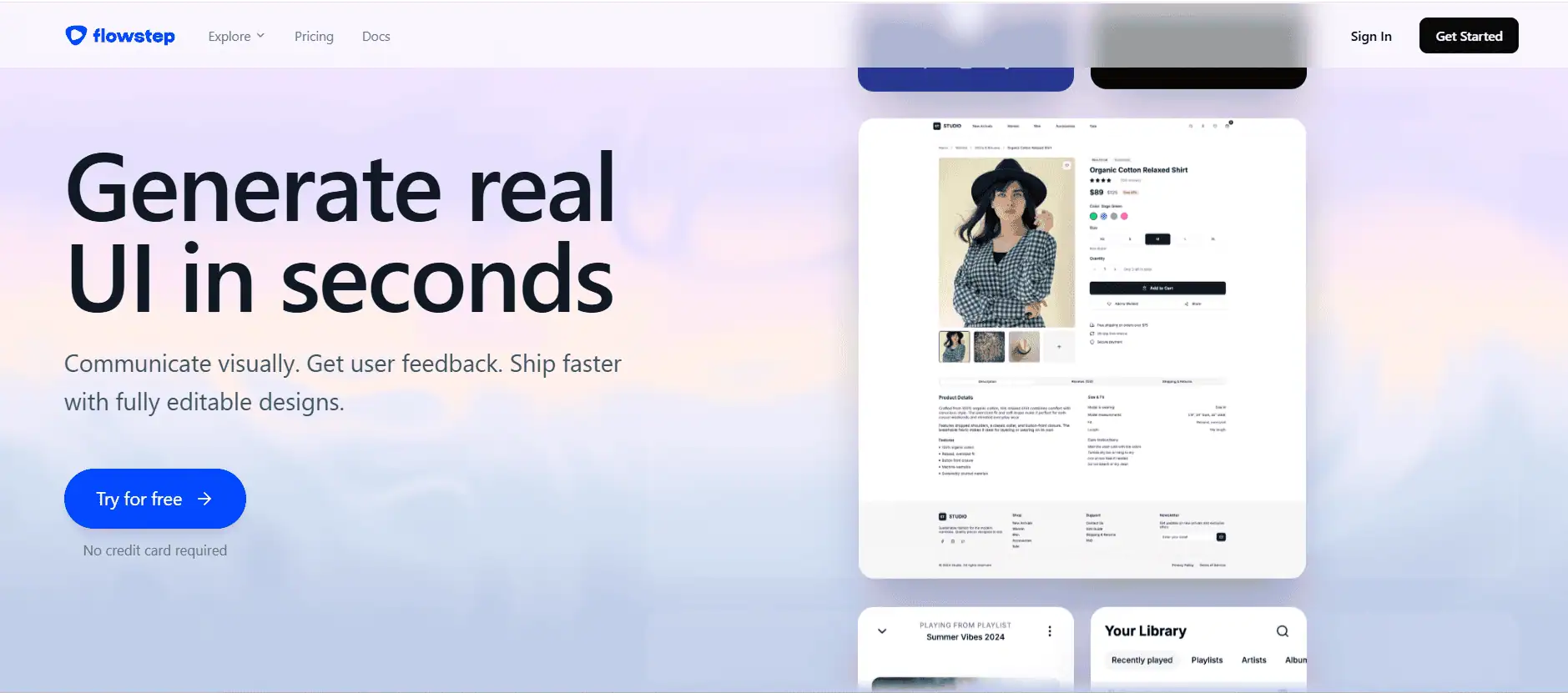
Flowstep sits at the top of this list because it does something almost nothing else on this page does: it treats your visual canvas as code. Think of it less as a drawing tool and more as an AI design engineer the thing you sketch on the canvas is the same thing your engineers ship.
Here’s what actually sets it apart:
- Full flows in one shot. Instead of designing screens one at a time, describe a whole experience login, dashboard, settings, onboarding and Flowstep produces every screen together, laid out and connected.
- Edit however you want. Nudge things by hand on the canvas, or hand the heavy lifting to the AI with a prompt. Both live in the same workspace, so you’re never switching modes.
- Into Figma with two keystrokes. Select a design, hit ⌘C in Flowstep, ⌘V in Figma. No plugin. No Chrome extension. Everything lands editable, with layout and components intact.
- Design from what you already have. Feed it references images for inspiration, a URL to match a style, or your own Design.md / PRD for context and it generates patterns that fit your brand instead of generic filler.
- Real code out the other end. Export clean React, TypeScript, and Tailwind CSS, ready to drop into a codebase rather than reverse-engineer from a picture.
- MCP to plug into your agents. Flowstep speaks MCP, so you can pipe designs straight into Cursor, Claude Code, or Windsurf and keep building without a handoff gap.
That last point is the whole pitch. Most tools stop at a pretty mockup and leave the design-to-code translation as your problem. Flowstep’s customers either export the code directly or route it into their coding agents over MCP so the canvas becomes the front of an actual build pipeline, not a dead end.
Best for: Product designers, founders, and engineering teams who want to move from idea → design → code without losing momentum at the handoff.
Pricing: Free to start; paid plans unlock unlimited projects and higher generation limits.
Where it’s weaker: If your job is print collateral, social graphics, or standalone image generation, this isn’t your tool it’s built for interfaces and products, not posters.
Want the deeper dive on interface-specific tools? See our related guide on the best AI UI design tools and our roundup of the best AI tools for web design.
2. Figma AI – Best for Established UI/UX Teams
Figma remains the industry default for collaborative interface design, and its 2026 AI suite has grown well past a bolt-on. Tools like First Draft, Make Image, and Replace Content help teams move faster through early ideation, and Dev Mode now produces platform-specific code snippets for handoff.
If your team already lives inside Figma’s component libraries, the switching cost of leaving is enormous, and the AI features are now good enough that you rarely need to. The generated code from Figma Make tends to need cleanup before it ships, and AI credit enforcement (introduced in March 2026) means heavy users can hit ceilings mid-sprint.
Best for: Established design teams already standardized on Figma.
Pricing: From around $12–15 per editor/month; AI credits vary by tier.
Where it’s weaker: Generated code rarely ships as-is, and credit limits can bite during crunch.
3. Canva Magic Studio – Best All-Rounder for Non-Designers
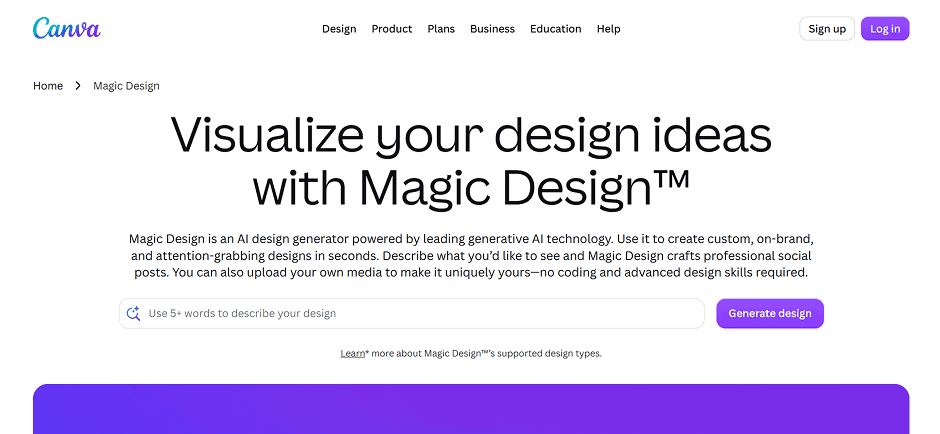
Canva has fully transitioned from a template library into an AI-first creative platform. Magic Studio bundles Magic Design (complete layouts from a prompt or uploaded image), Magic Write (marketing copy), Magic Animate (motion without a timeline), and Magic Eraser (background and object removal) into one approachable workspace.
For marketing teams and small businesses pumping out volume, it’s extraordinary value. The ceiling is lower than Figma or Adobe for precise, pixel-perfect work but that’s not who it’s for.
Best for: Non-designers and marketing teams producing social and marketing content at volume.
Pricing: Free tier; Pro around $15/month.
Where it’s weaker: Layout precision and top-tier image quality lag behind specialist tools.
4. Microsoft Designer – Best Free AI Design Tool
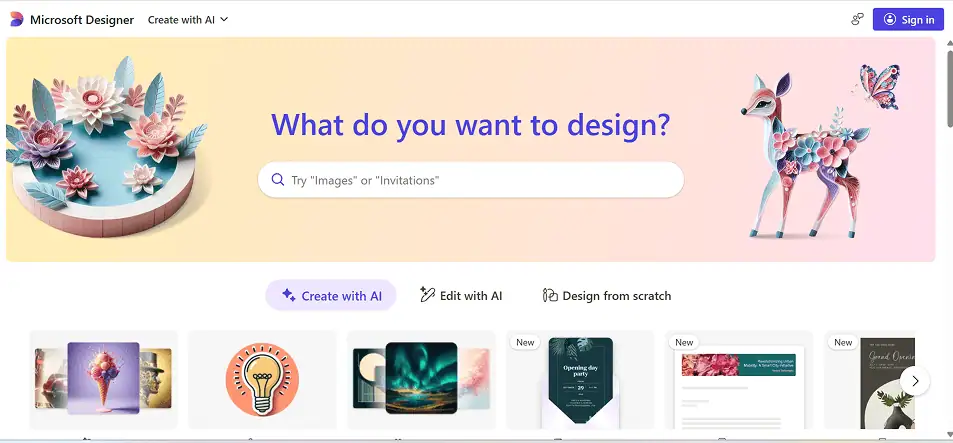
If “free” is the constraint, Microsoft Designer is hard to beat. It’s available with any Microsoft account, DALL-E-powered for image generation, and produces perfectly serviceable social graphics, invitations, and marketing assets without asking for a card.
It won’t match a dedicated stack for depth, but as a zero-cost entry point especially for teams already inside Microsoft 365 it’s the strongest free option going.
Best for: Anyone who wants a capable AI design tool for exactly $0.
Pricing: Free with a Microsoft account.
Where it’s weaker: Limited depth and control compared to paid platforms.
5. Nano Banana – Best for High-Quality Image Generation
Built on Google’s Gemini image models, Nano Banana generates and edits high-resolution visuals from text prompts, and the output quality is genuinely strong including notably accurate text rendering, which most generators still fumble. For designers, it’s useful for product mockups, marketing visuals, and realistic previews of what a screen concept could look like.
Best for: Fast, high-fidelity image and mockup generation.
Pricing: Varies by access tier; free entry points available.
Where it’s weaker: It’s an image engine, not a layout or product design tool.
6. Midjourney – Best for Artistic Image Quality
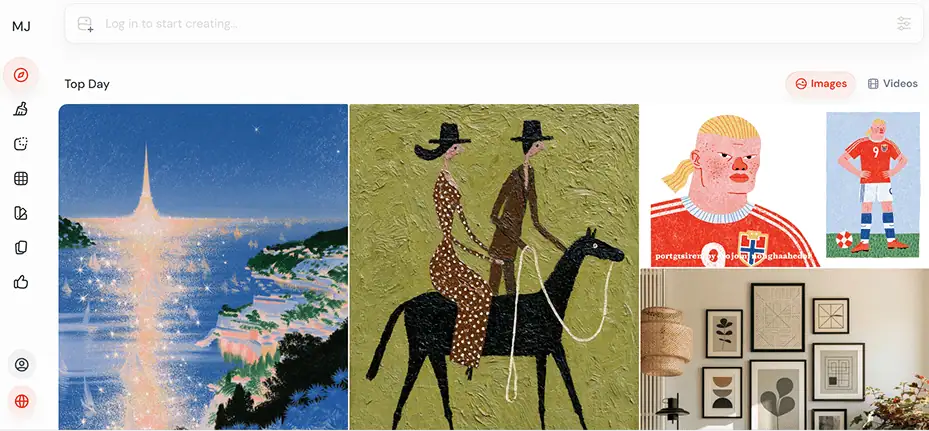
Midjourney is still the benchmark for aesthetic quality. Its latest models bring sharper detail, richer shadows, and stronger style consistency, and nothing else quite nails mood, lighting, and composition the way it does. It’s the go-to for editorial, conceptual, and hero imagery with the caveat that you’ll need a separate tool for layout and text.
Best for: Artistic, editorial, and conceptual visuals where quality is everything.
Pricing: From $10/month (Basic).
Where it’s weaker: No layout tools; commercial use requires a paid tier.
7. Adobe Firefly – Best for Commercially Safe Generation
Firefly’s differentiator hasn’t changed: it’s trained on licensed and public-domain content, which makes it the safest choice for commercial work where copyright risk is a real concern. In 2026 it’s become more of an agentic creative engine, with an AI Assistant that orchestrates multi-step workflows across Photoshop, Illustrator, Express, and more.
Raw image quality trails Midjourney, but if you’re already paying for Creative Cloud, Firefly’s commercial-safety guarantee and native integration are the real value.
Best for: Professionals in the Adobe ecosystem who need commercial licensing safety.
Pricing: From ~$9.99/month standalone; bundled with Creative Cloud plans.
Where it’s weaker: Pure image quality isn’t best-in-class; full value needs a Creative Cloud subscription.
8. Looka – Best for Fast Logo Design
When you need a decent logo fast and cheap, Looka delivers. Enter your brand name, pick a few styles, and it generates a range of first-pass marks plus a basic brand kit. It won’t replace a brand designer for a serious identity, but for a quick, usable logo under time and budget pressure, it does the job.
Best for: Founders and small businesses needing a fast first-pass logo.
Pricing: Pay-per-logo and subscription options.
Where it’s weaker: Not a substitute for bespoke brand identity work.
9. Khroma – Best AI Color Tool (and It’s Free)
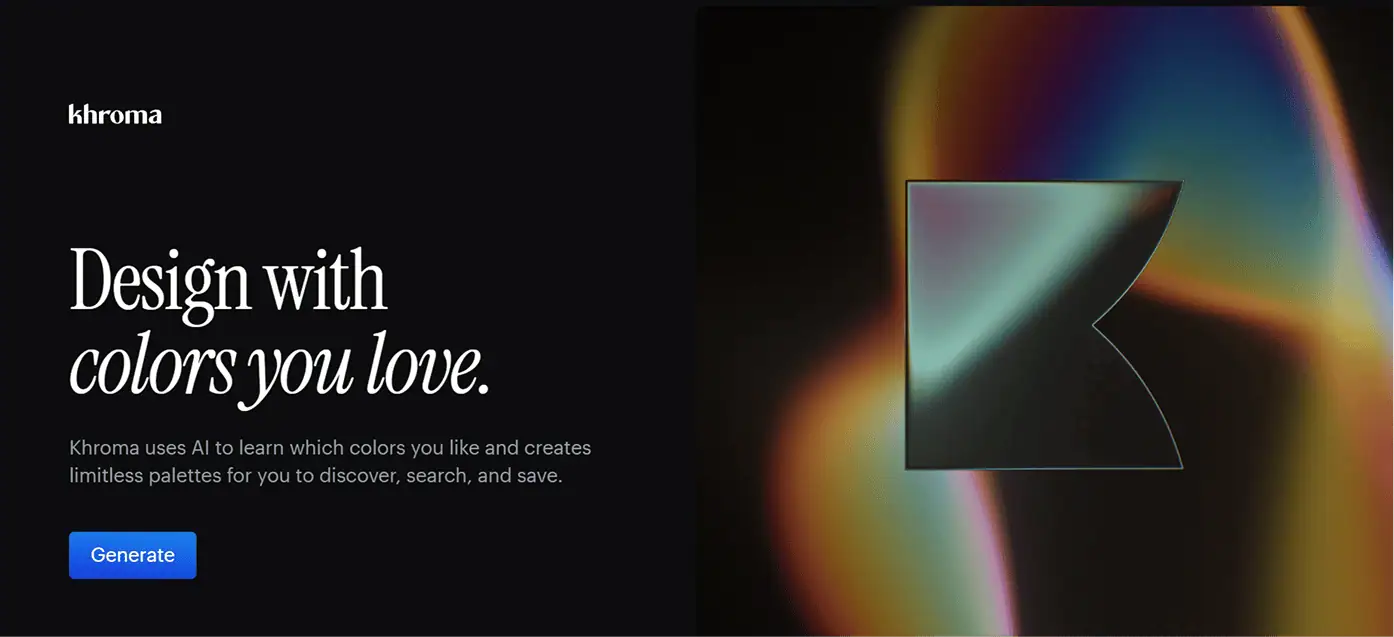
Khroma is a lovely, focused little tool. Pick 50 colors you like, and its algorithm trains on your taste to generate endless personalized palettes, gradients, and type pairings filtering out combinations you’d never use. Every result comes with hex codes, RGB values, CSS snippets, and WCAG contrast ratings.
It’s not a design platform; it does one thing. But it does it well, and it’s free.
Best for: Building palettes and color systems tuned to your taste.
Pricing: Free.
Where it’s weaker: Color only no layouts, pages, or components.
10. Framer – Best AI Website Builder for Designers
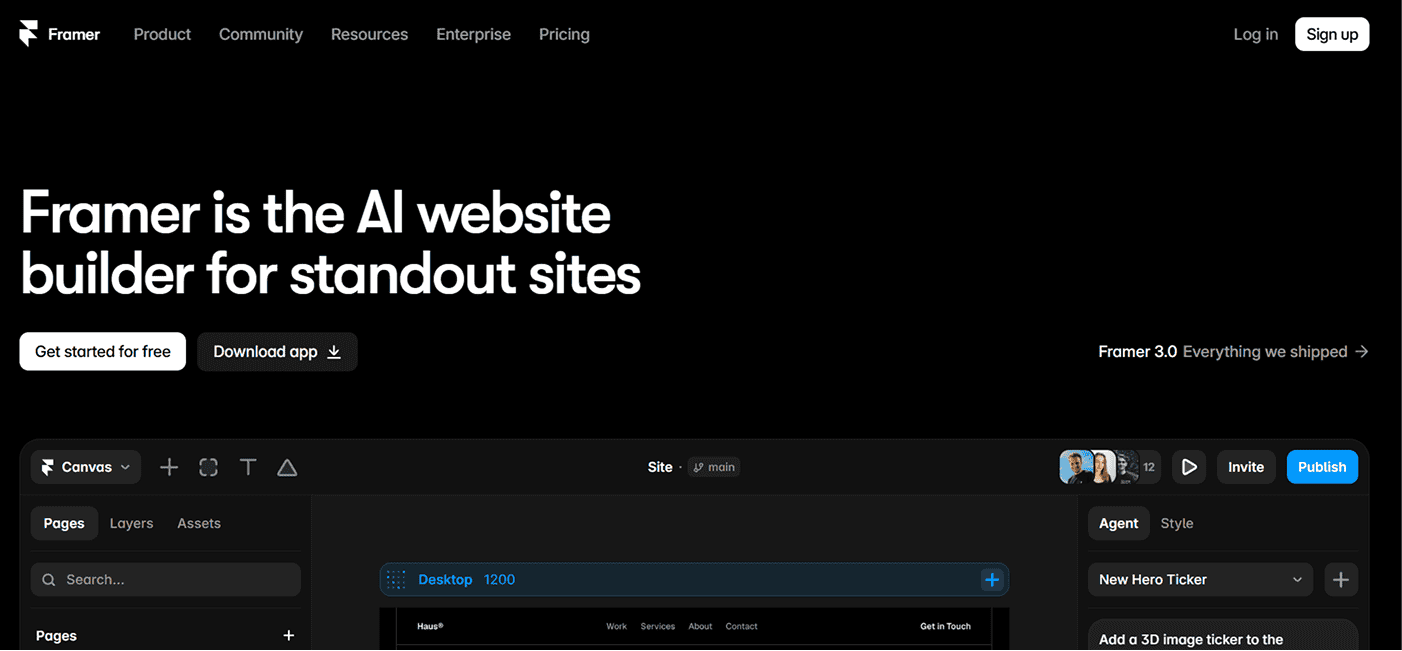
Framer is the design-first pick for marketing sites, landing pages, and portfolios. Its AI Wireframer generates complete multi-page sites from a prompt layout, sections, content structure and the visual editor then gives you near-Figma precision over every element. Sites consistently score well on performance benchmarks, and the component system keeps things consistent across pages.
Best for: Designers who want a beautiful, live marketing site without hand-coding.
Pricing: Free plan; paid tiers for custom domains and advanced features.
Where it’s weaker: Not built for apps that need auth, databases, or complex logic.
11. Webflow – Best for Scalable, CMS-Heavy Sites
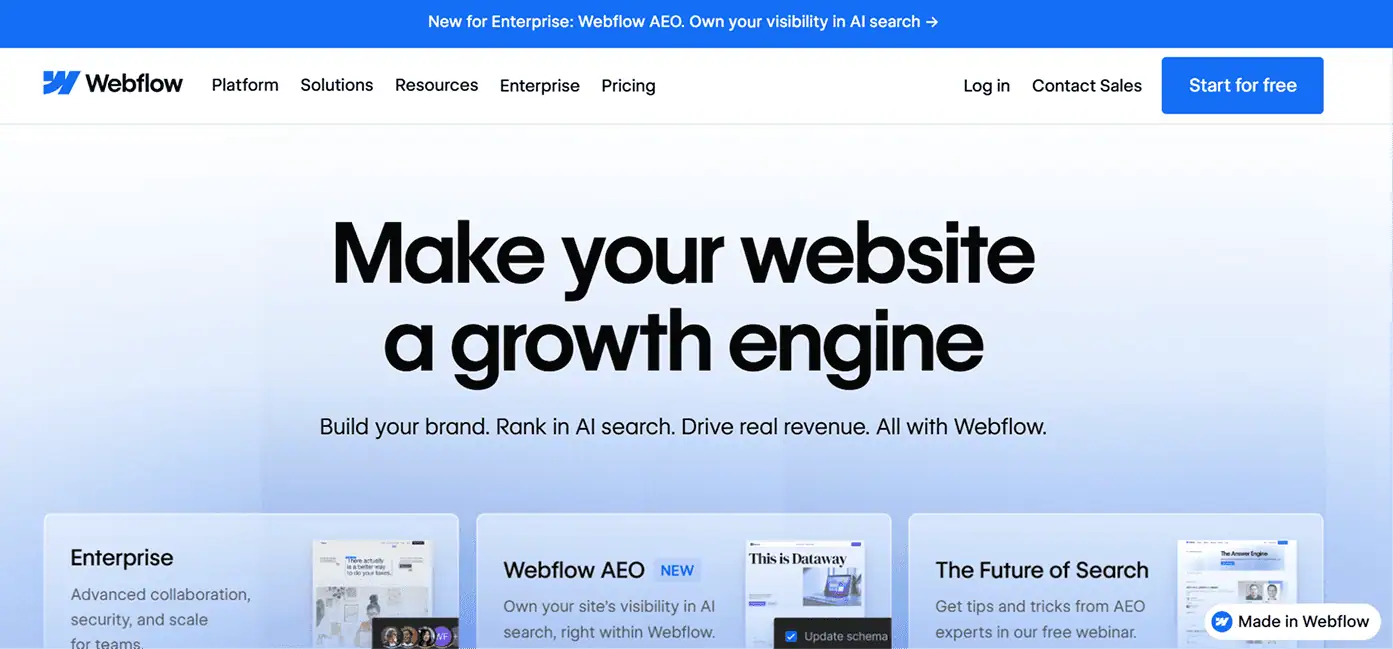
Where Framer optimizes for visual polish, Webflow is the choice when a site needs structure, richer CMS handling, and room to scale. Its visual editor maps directly to real HTML and CSS flexbox, grid, the box model so you’re building genuinely exportable sites. The AI Site Builder generates complete multi-page sites from natural language on top of a shared design system.
Best for: Agencies and teams building content-heavy, production-grade sites.
Pricing: Free plan; paid tiers scale with CMS and hosting needs.
Where it’s weaker: Steeper learning curve than Framer; overkill for a simple one-pager.
12. Wix AI – Best All-in-One for Small Business Sites
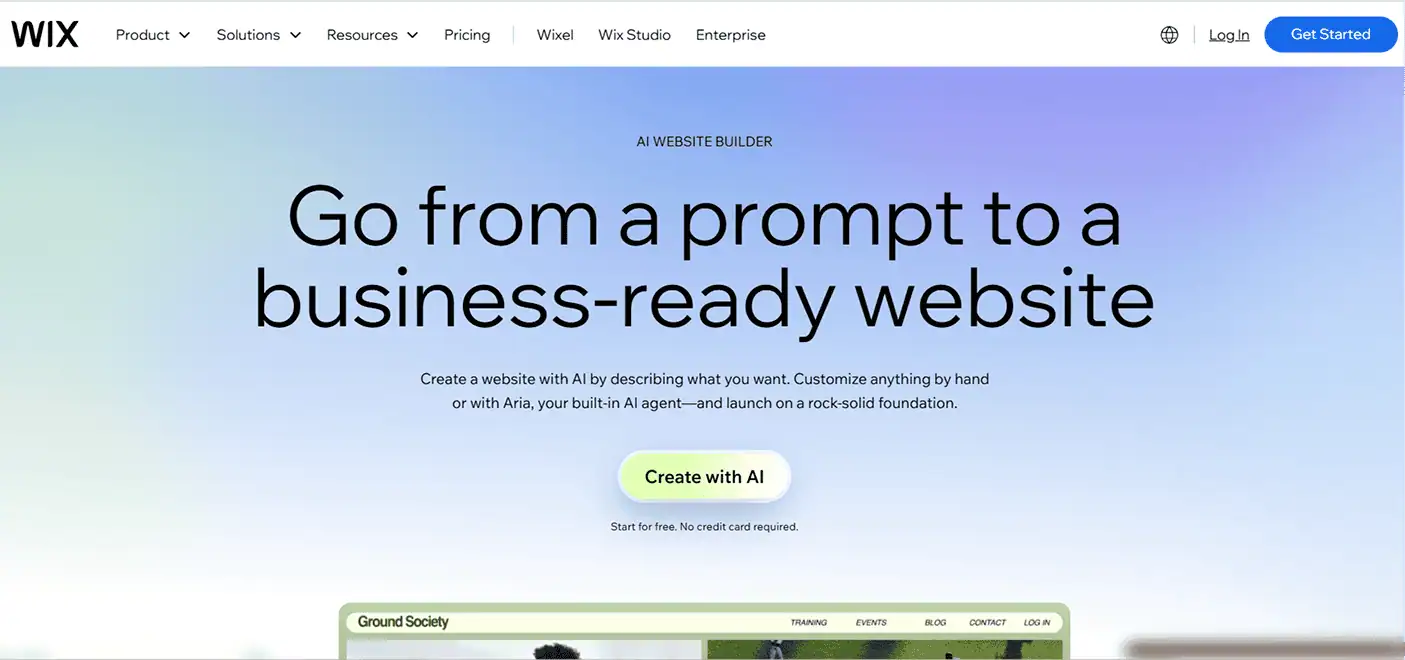
Wix leans into convenience: describe your business and it generates a complete site, with SEO tools, ecommerce, and hosting all bundled in a beginner-friendly package. For a small business owner who wants one platform that handles building, publishing, and operations, it’s the pragmatic all-in-one and it now owns Base44 (below), giving it an app-building arm too.
Best for: Small businesses that want site, SEO, and store in one place.
Pricing: Free plan; paid tiers for domains and commerce.
Where it’s weaker: Less design ceiling than Framer or Webflow for custom work.
13. Base44 – Best for Non-Technical App Builders
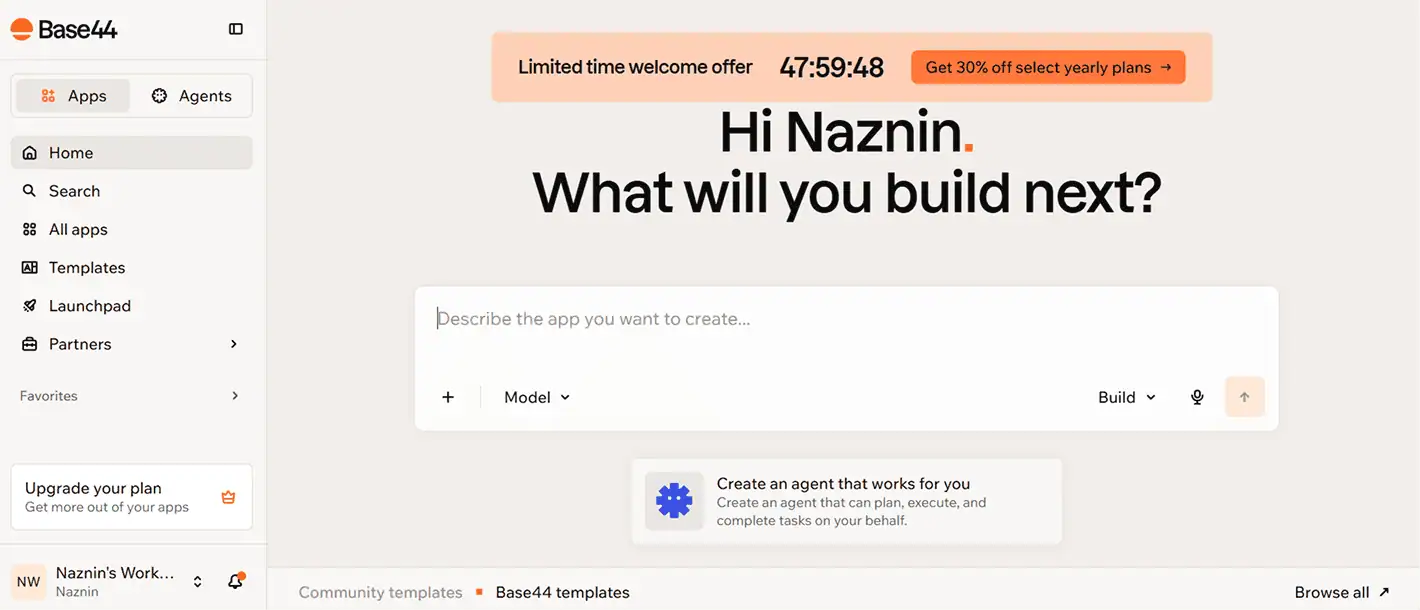
Acquired by Wix in 2025, Base44 turns a plain-English prompt into a working full-stack app frontend, backend, database, and authentication handled automatically, no configuration required. Non-technical founders regularly go from idea to a running app fast. It also supports references like images and a Design.md for context, plus code export and GitHub sync.
The tradeoffs are real: the credit system burns quickly, the default UIs skew generic, and complex apps hit a design ceiling. A common workflow in 2026 is to design first (in a tool built for it) and then generate the app.
Best for: Non-technical founders building internal tools and MVPs fast.
Pricing: Free plan (limited credits); paid from ~$20/month.
Where it’s weaker: Generic default design, credit burn, and a ceiling on complex builds.
14. Cursor & GitHub Copilot – Best for Design-to-Code in the Editor
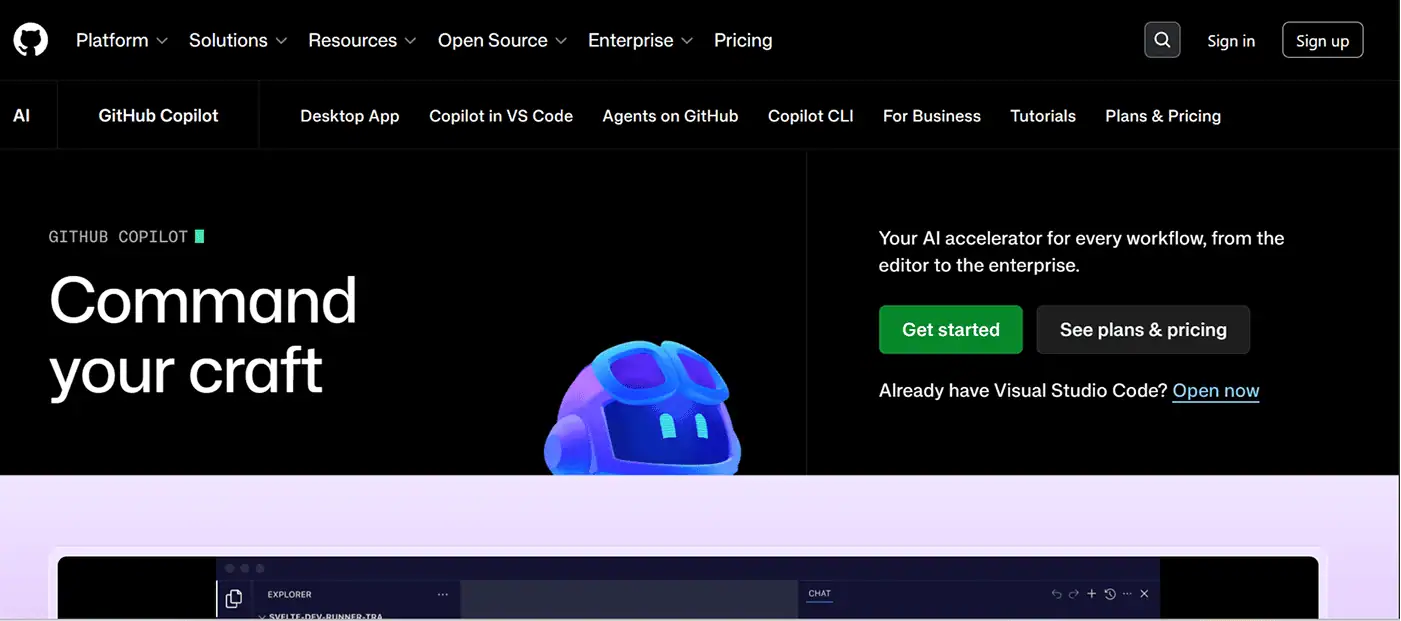
Rounding out the list are the two tools that catch design after it becomes code. Cursor is an AI-native editor that generates and refactors components from natural language, and it pairs naturally with design tools that export over MCP pipe a Flowstep design straight in and keep building. GitHub Copilot brings inline AI completions and chat into your existing editor, accelerating the implementation of whatever the design phase produced.
Neither is a design tool in the visual sense, but in 2026 they’re where a lot of “design” actually gets finished which is exactly why design-to-code export and MCP support matter so much upstream.
Best for: Engineers turning designs into shipped, production code.
Pricing: Both offer free tiers; paid plans for higher limits.
Where it’s weaker: No visual design surface they assume you already know what you’re building.
How to Choose the Right AI Design Tool in 2026
There’s no single best AI design tool there’s the best one for the bottleneck you’re actually facing. A quick decision guide:
- You’re designing a product or app UI → Start with Flowstep. It’s the only tool here that takes you from prompt to multi-screen design to real React/TypeScript/Tailwind code, with Figma copy-paste and MCP into your coding agents.
- Your team already lives in Figma → Lean into Figma AI.
- You need marketing graphics at volume → Canva Magic Studio, or Microsoft Designer if free is the priority.
- You need generated imagery → Nano Banana for realism and text, Midjourney for artistry, Adobe Firefly for commercial safety.
- You need a logo or a color system → Looka and Khroma.
- You’re building a website → Framer for design-led sites, Webflow for scale, Wix AI for all-in-one.
- You’re building an app without a dev team → Base44.
- You’re shipping the code → Cursor and GitHub Copilot.
The winning move in 2026 isn’t picking one tool it’s building a tight stack of two or three that cover your real workflow without overlap. For most product teams, that stack starts with an AI design engineer that speaks code.
If your bottleneck is turning ideas into shippable interfaces fast, and without losing anything at the handoff try Flowstep free and design straight into code.
Frequently Asked Questions
What are AI design tools? AI design tools use generative AI and machine learning to create or assist with visual design generating images from prompts, automating layouts, suggesting color palettes, building prototypes, and even producing deployable code from a mockup.
Which AI design tool is best in 2026? It depends on the job. For product and UI design, Flowstep leads because it turns prompts into multi-screen designs and real code. For UI teams standardized on Figma, Figma AI. For marketing graphics, Canva. For image quality, Midjourney.
Are there free AI design tools? Yes. Flowstep, Figma, Framer, Khroma, and Microsoft Designer all offer free tiers, though what you get varies a lot always test before committing.
Can AI design tools export real code? Some can. Flowstep exports clean React, TypeScript, and Tailwind CSS and connects to coding agents like Cursor, Claude Code, and Windsurf via MCP. Most image and graphics tools do not generate code at all.
Can AI-built designs and sites rank on Google? Yes, when they pair helpful content with strong technical SEO, fast performance, and good UX. The underlying tool matters less than the quality of what you publish.



